


Benchmarks now lets you add individual accounts to the charts, so you can compare your performance with your other social profiles or selected competitors, as well as with benchmarks for accounts of a similar size.
How to add other profiles to Benchmarks:
Open Benchmarks.
Select Add accounts in the top right, next to "Compare against".
Tick the accounts you want to compare with.
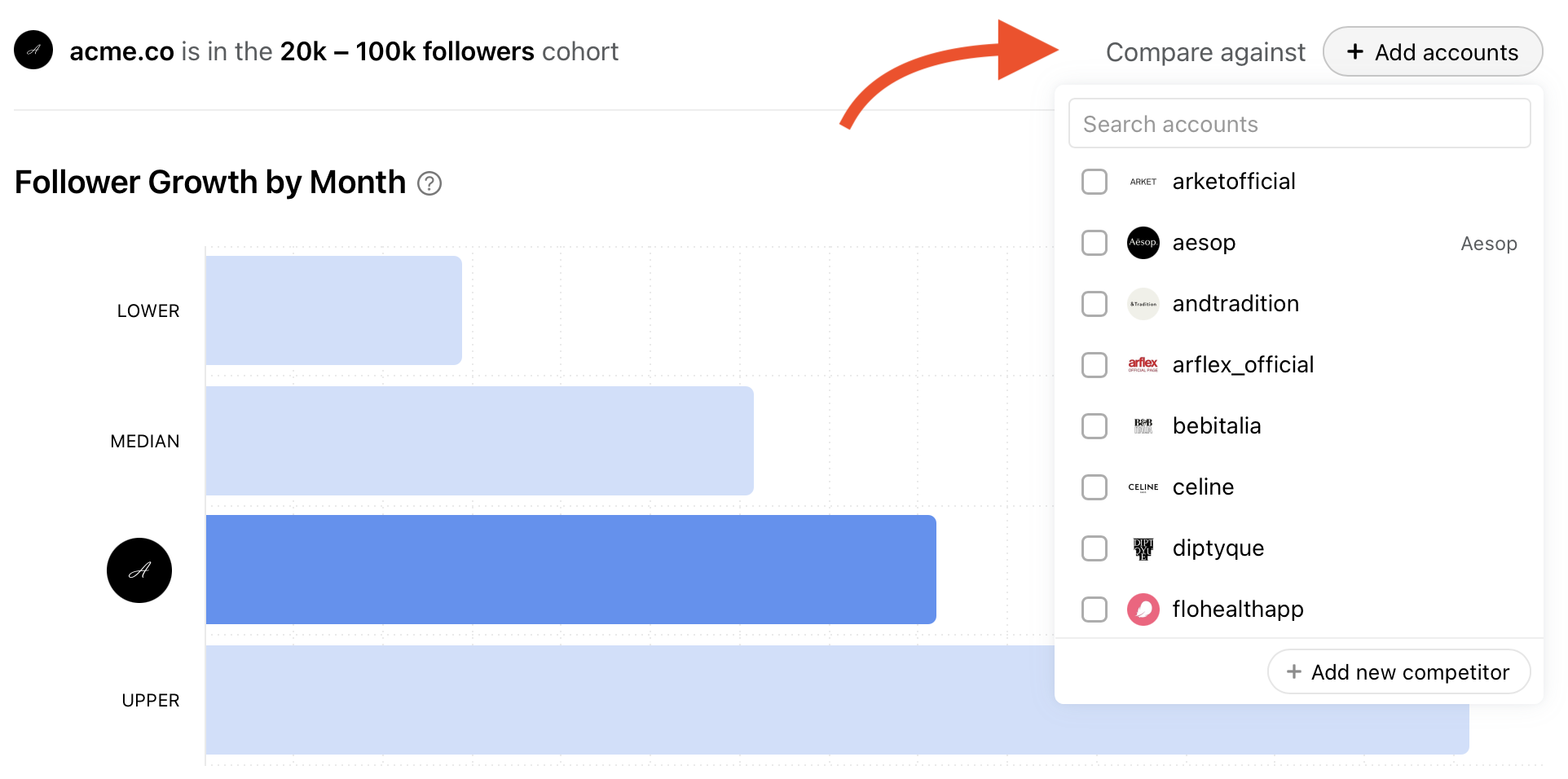
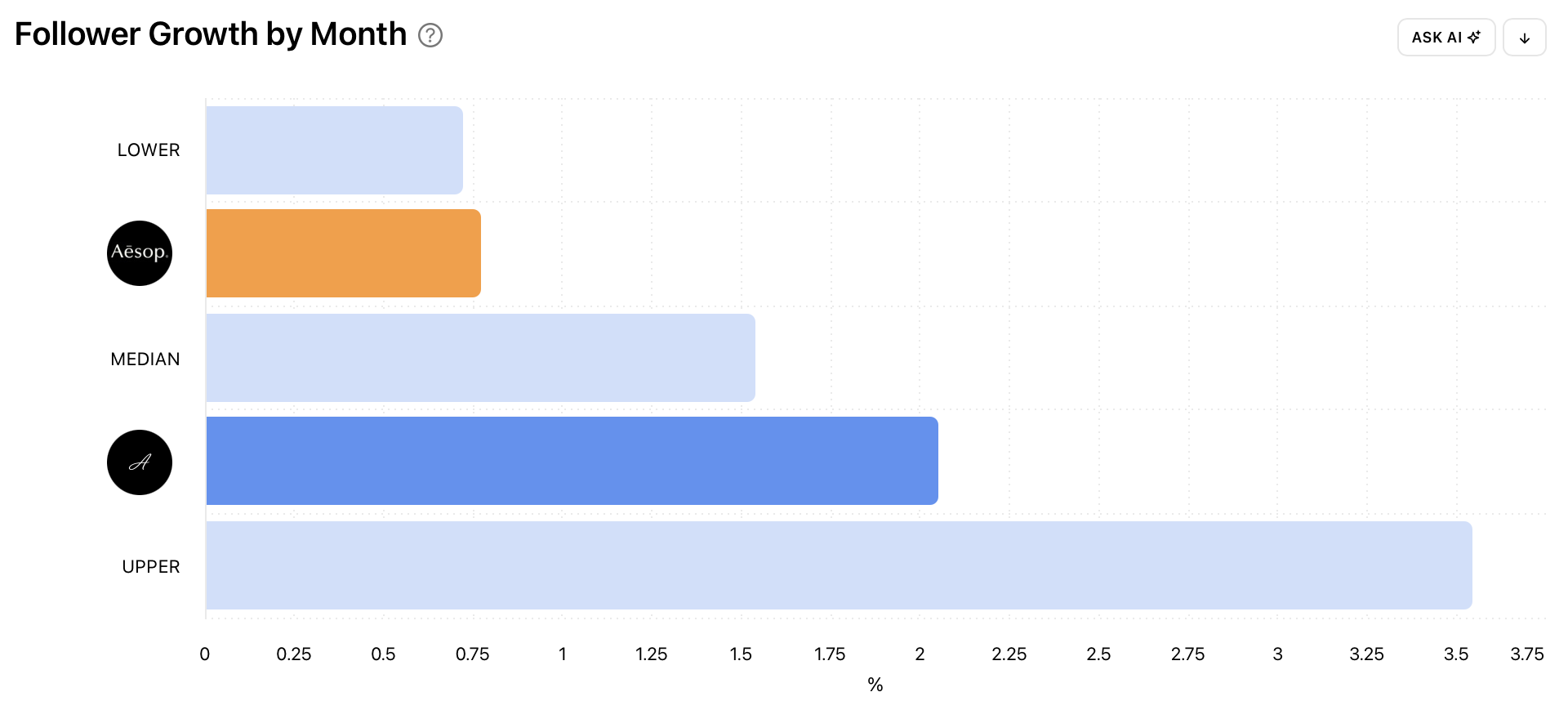
The charts update straight away. Each profile appears as its own bar in every Benchmarks chart. The cohort ranges stay on the charts when you add profiles, so you still get both views: how you compare with similar-sized accounts overall, and how you compare with the specific accounts you have chosen. Untick an account at any time to remove it from the comparison.
Benchmarks is no longer Instagram only. It is now available for Facebook, TikTok, X, LinkedIn and Threads.
Give it a try now!