
How to connect Instagram to ChatGPT and Claude

Can ChatGPT or Claude access your Instagram account?
ChatGPT and Claude can't access Instagram on their own, so they can't see your followers, reach or post performance.
To analyse your Instagram data with AI, connect your account to Minter.io, a social media analytics platform, then link Minter.io to ChatGPT, Claude or another assistant and ask questions about your social media performance in plain language.
Which Instagram posts are actually working? Why has your follower growth slowed? What should you focus on next month? With your Instagram analytics connected to ChatGPT or Claude, you can explore these questions using your own data. Ask for a performance summary, compare your content or dig into a particular metric without manually copying figures and screenshots into the chat. You can also chat with your data directly inside Minter.io using the built-in AI Analyst.
How does connecting Instagram to AI work?
The connection uses the Model Context Protocol (MCP), an open standard that lets AI assistants read data from other apps. Minter.io provides the link between your Instagram analytics and your AI assistant. First, add your Instagram account to Minter.io. Then, connect Minter.io to ChatGPT or Claude so the assistant can retrieve data from your reports.
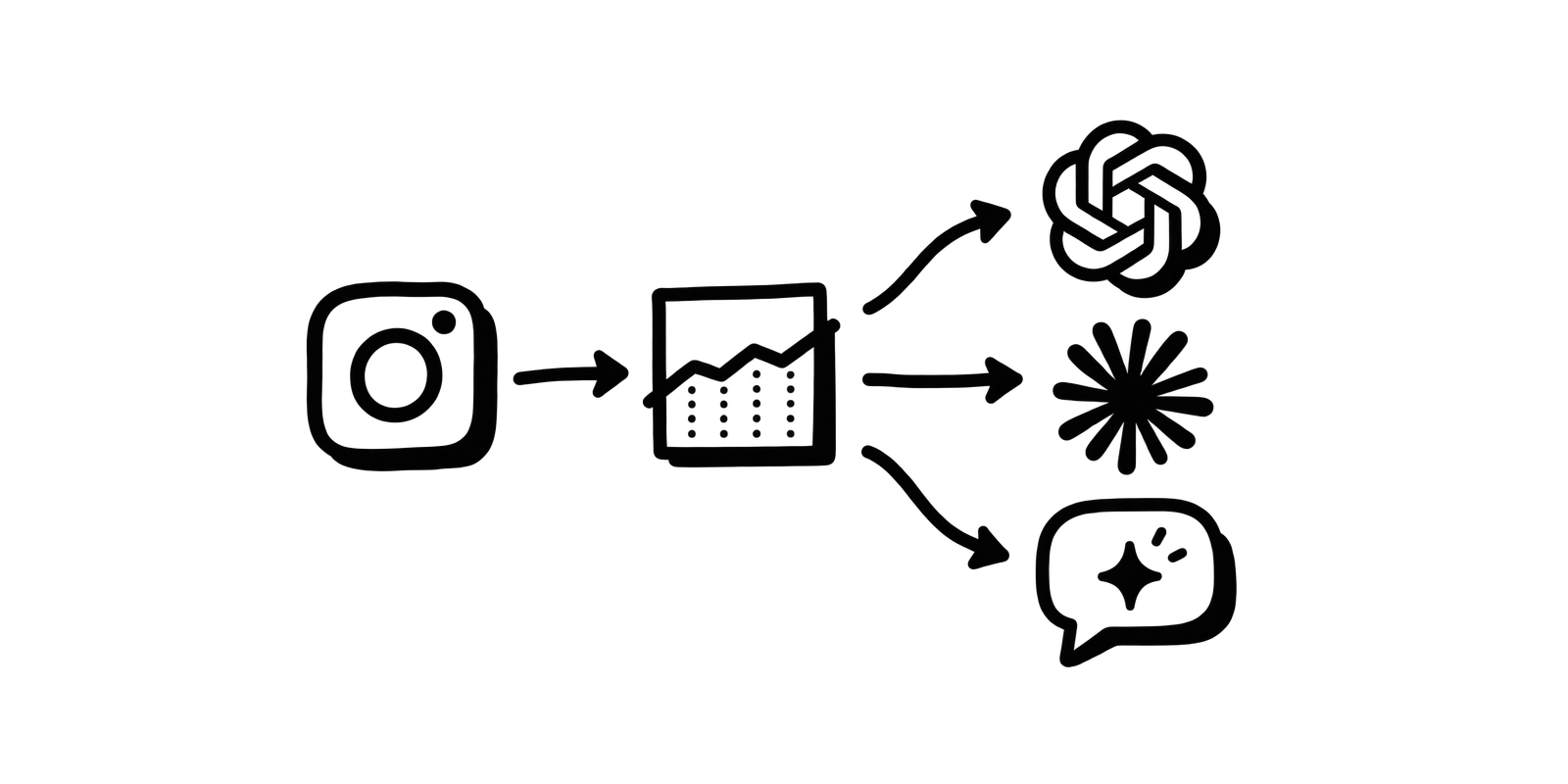
The AI connection is read-only. ChatGPT and Claude can look at your analytics, but they can't publish posts, reply to comments or change anything in your Instagram or Minter.io account.
One connection covers everything you track
The connection isn't limited to one Instagram account. Your AI assistant can see every report you track in Minter.io, including Instagram competitors and hashtags, plus TikTok, Facebook, X, LinkedIn and Threads.
What you need to connect Instagram to an AI assistant
You’ll need a Minter.io account with access to the AI Analyst feature, available on Gold, Platinum and Agency plans or during the free trial.
How to connect Instagram to ChatGPT
Minter.io is available in ChatGPT’s directory, so there's no URL to paste and no API key to set up.
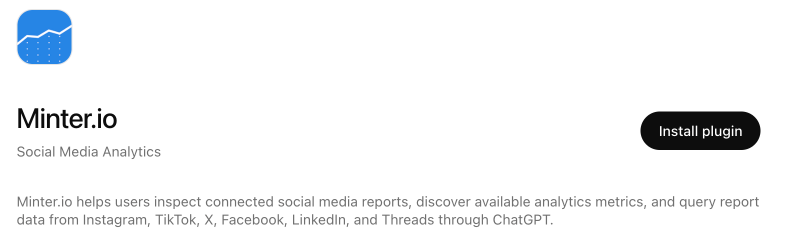
- Find and open Minter.io in ChatGPT's app directory.
- Click Connect and sign in with your Minter.io account.
- Review and approve access when prompted.
You can also start from Minter.io: open any report, click the gear icon and choose Connect to ChatGPT.
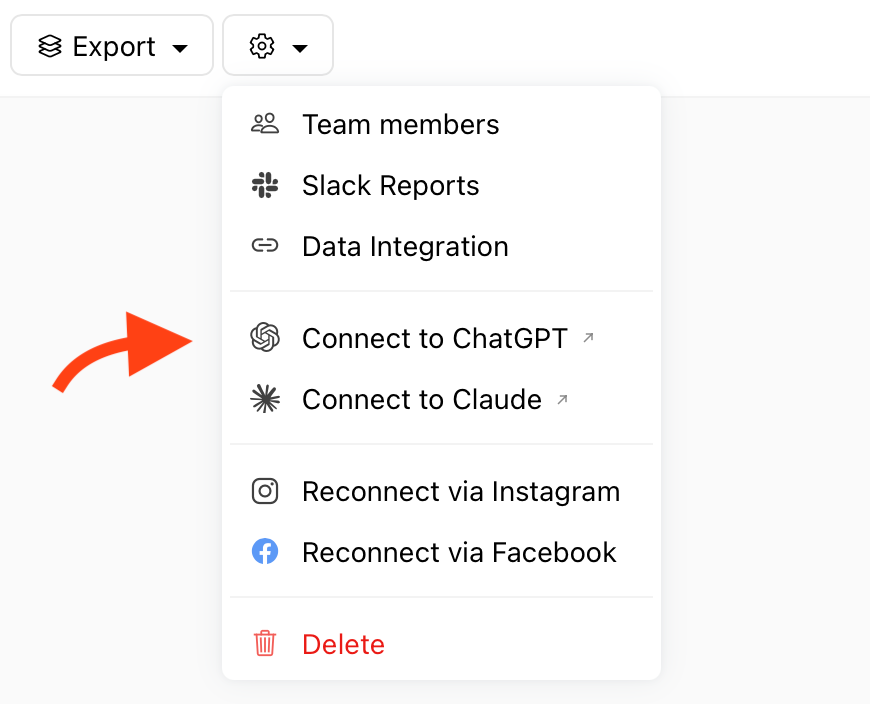
To use the connection, start a chat and type @Minter.io followed by your question, or select Minter.io from the tools menu. Review and allow the request when ChatGPT asks for approval. Our ChatGPT setup guide walks you through the connection.
How to connect Instagram to Claude
Minter.io is listed in Claude's connectors directory, so setup takes just a few clicks.
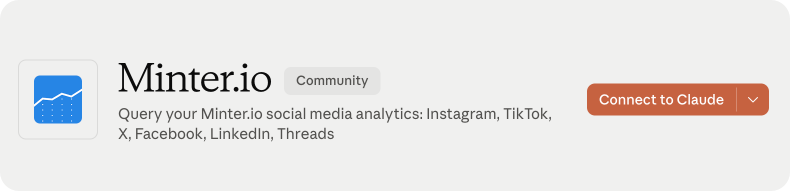
- Open Claude’s connectors directory, search for Minter.io and open the listing.
- Click Connect and sign in with your Minter.io account.
- Review and approve access when prompted.
You can also start from Minter.io: open any report, click the gear icon and choose Connect to Claude.
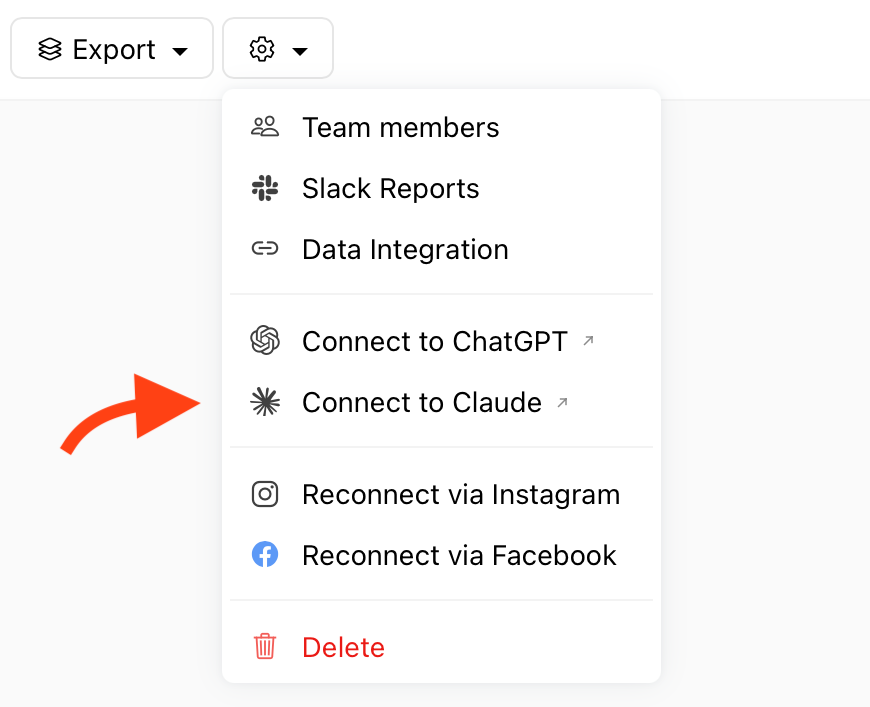
To use Minter.io in Claude, start a new chat, select the + button, hover over Connectors and toggle Minter.io on for that conversation. Ask your question, then review and allow the request if prompted. Our Claude setup guide walks you through the connection.
How to connect Instagram to Gemini, Copilot and other assistants
Any AI assistant that supports connectors can use the Minter.io MCP server.
- Open your assistant's connector settings and choose to add a new connector.
- Paste this address:
https://minter.io/mcp - Sign in with your Minter.io account and approve access when prompted.
Availability and setup steps vary between assistants, so check your assistant’s help pages for support and instructions.
What can you ask AI about your Instagram analytics?
Name the account, choose a date range and explain what you want to understand. For example, you might start with:
Summarise my Instagram performance for last month.
Then follow up with:
Which changes deserve the most attention, and what should I investigate next?
Here are some useful prompts to try:
Understand your audience
Which countries and cities do my followers come from?
Understand changes in performance
Compare my performance in August and July. Show follower growth, reach and engagement rate in a table, then highlight the three largest changes.
Find content worth revisiting
Which Reels got the most views this quarter, and what do they have in common?
Prepare a monthly report
Write an Instagram performance review for June 2026.
Turn findings into a plan
Using the performance we’ve reviewed, suggest three content ideas for next month. For each, include the supporting observation, the idea to test and how we should measure the result.
For more ideas, see our collection of 50 prompts to use with your Instagram analytics.
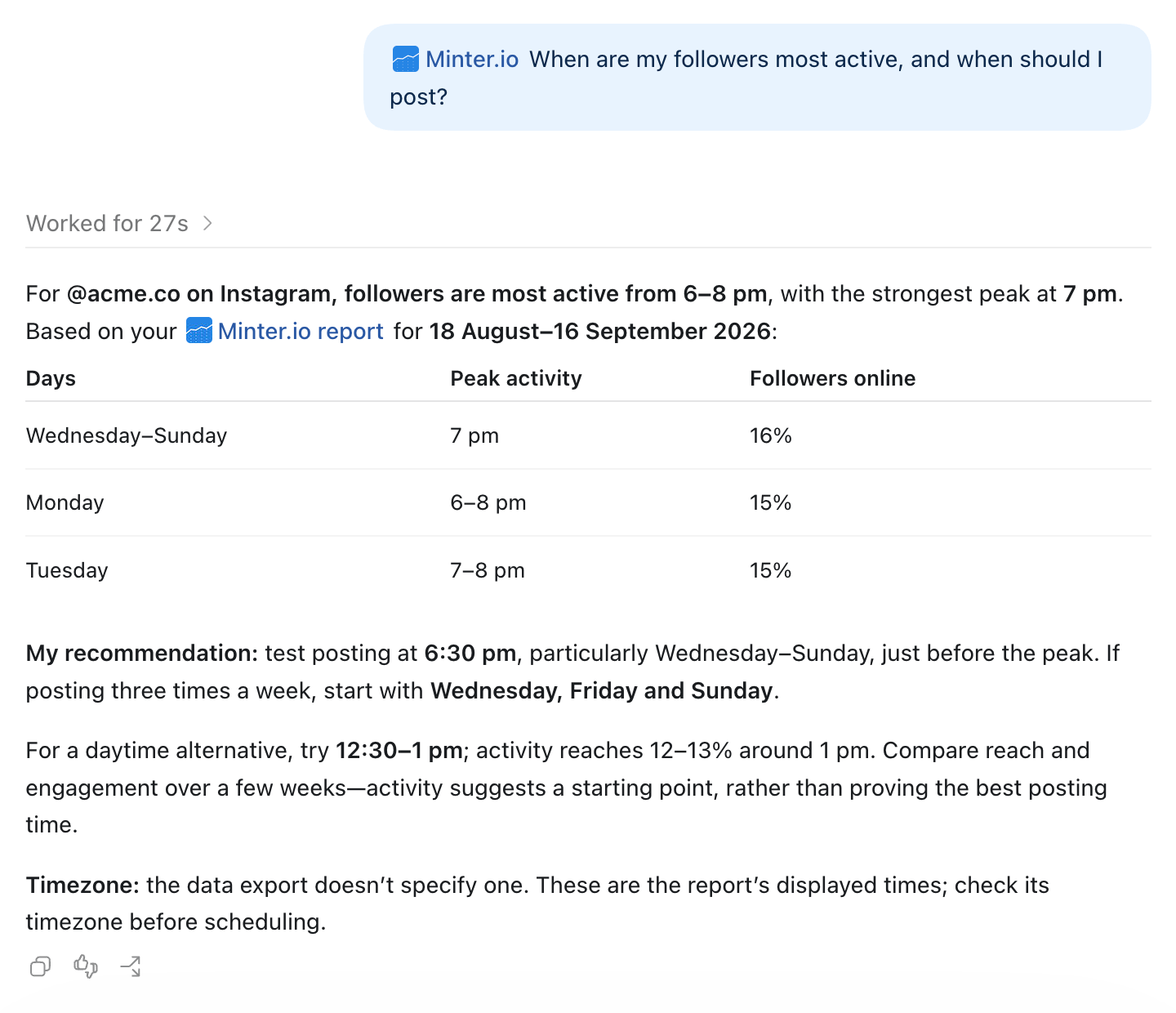
Use AI directly in Minter.io
Prefer to explore your analytics while looking at your reports? The built-in Minter.io AI Analyst lets you ask questions directly inside Minter.io, without connecting an external assistant. It uses the same data as the connector and helps you understand what changed and why.
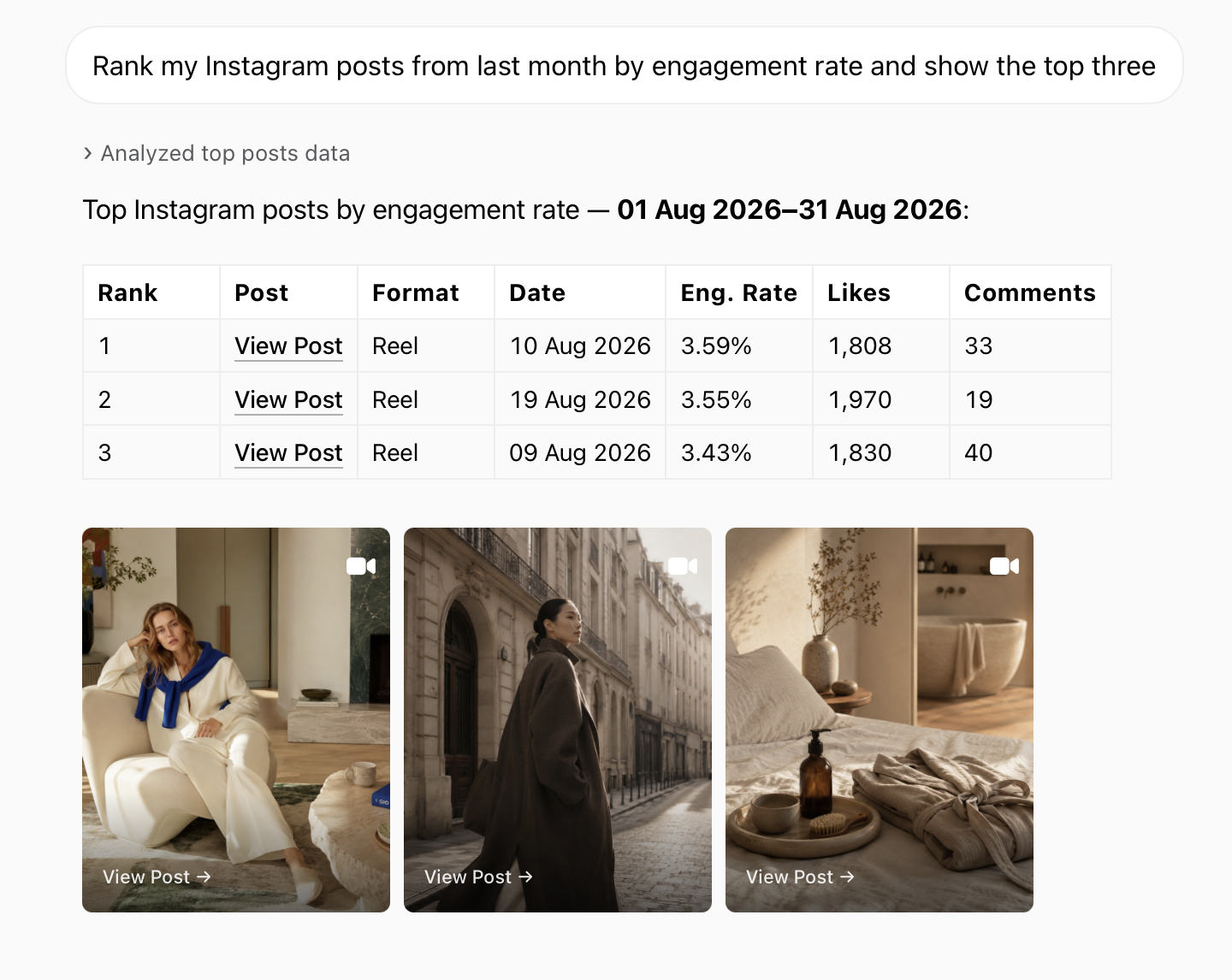
- Open your Instagram report and head to AI Analyst to begin a conversation. Ask for a performance overview, compare periods or investigate your top content. The AI Analyst can display charts and visual post cards, helping you see the data and posts behind its answers.
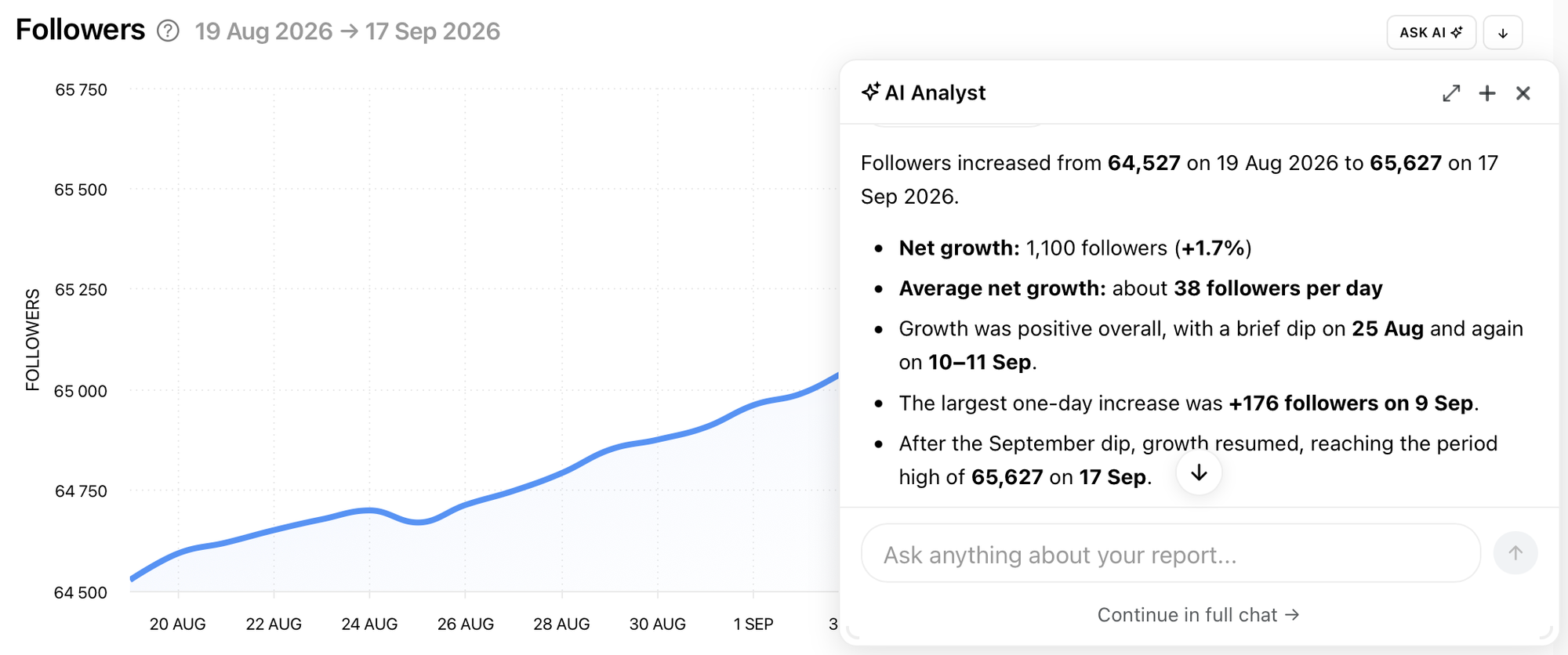
- You can also use Ask AI, the shortcut beside individual graphs. Click it and choose Explain the data, or enter your own question. This is useful when a graph catches your attention and you want to explore it while keeping it in view.
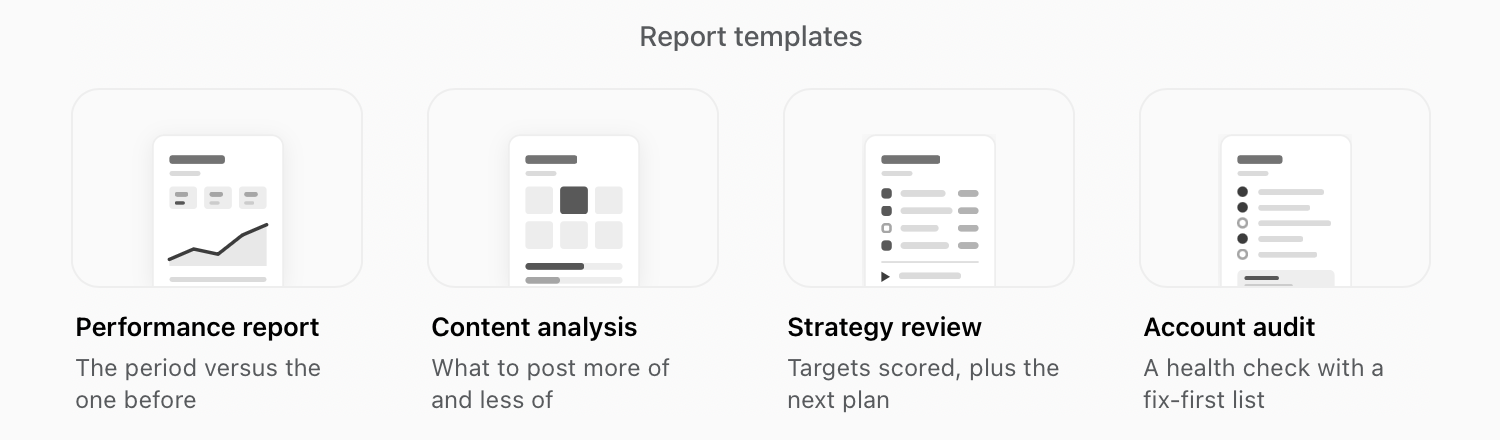
- Minter.io offers four pre-designed AI report templates with key metrics and charts already selected. Choose Performance report, Content analysis, Strategy review or Account audit, then download the report as a PDF.
Why connect Instagram to AI through Minter.io?
- Longer history. Track changes over time with data stored from the day you connect, plus up to two years of historical data.
- Consistent metrics. Engagement rate and other metrics are calculated the same way every time, so comparisons are reliable.
- Everything in one place. All the social accounts, competitors and hashtags you track in Minter.io are available through one connection.
- Read-only and secure. Your AI assistant can view your analytics but can't publish, reply to comments or change anything in your accounts. You sign in with your Minter.io account, approve access yourself and can disconnect at any time.
- Simple setup in ChatGPT and Claude. Connect through their directories, with no server URL to paste or API key to configure.
Start a conversation with your Instagram data
Your next content decision can start with a question. Find your strongest posts, investigate a change in performance or turn a month of analytics into a plan for what to try next.
Connect Minter.io to ChatGPT or Claude, or explore the built-in AI Analyst. New to Minter.io? Start your free 14-day trial and bring your Instagram data into the conversation.