
How to build a client-ready social media report

How to build a client-ready social media reportA good social media report shows your client what the numbers mean, how they connect to their goals, and what to do next. Minter.io does the heavy lifting for you. With the Excel export and AI Analyst report templates, you can create a clear, actionable report in minutes, ready to share.
What should a social media report include?
Start by choosing a reporting period and focus on the metrics that matter to your client’s goals. Include a comparison with the previous period, your strongest and weakest content, audience insights and recommendations. Numbers alone aren't enough, so explain what each metric means and why it matters.
Minter.io's reports cover all of the above.
Build your overview with the new Excel export
Select your date range in Minter.io using the date picker and export your report to Excel.
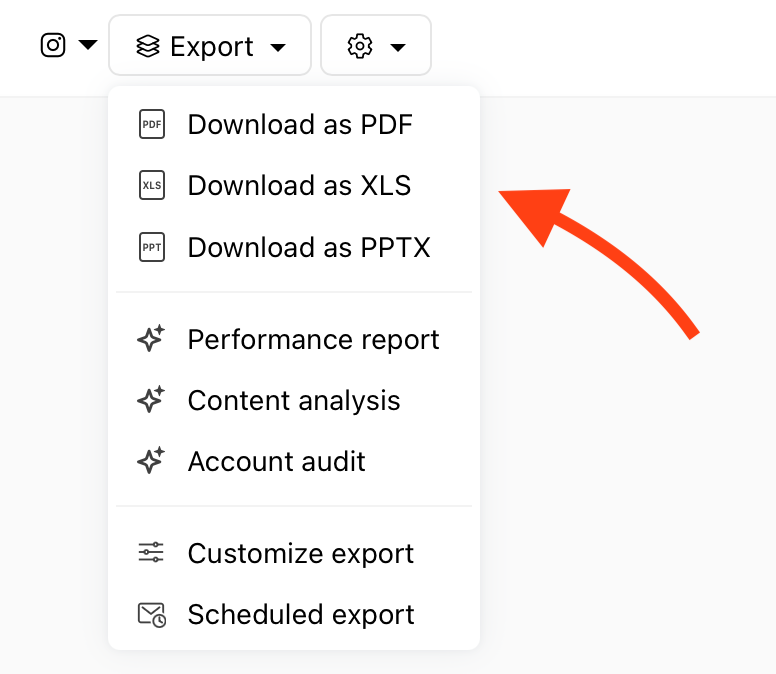
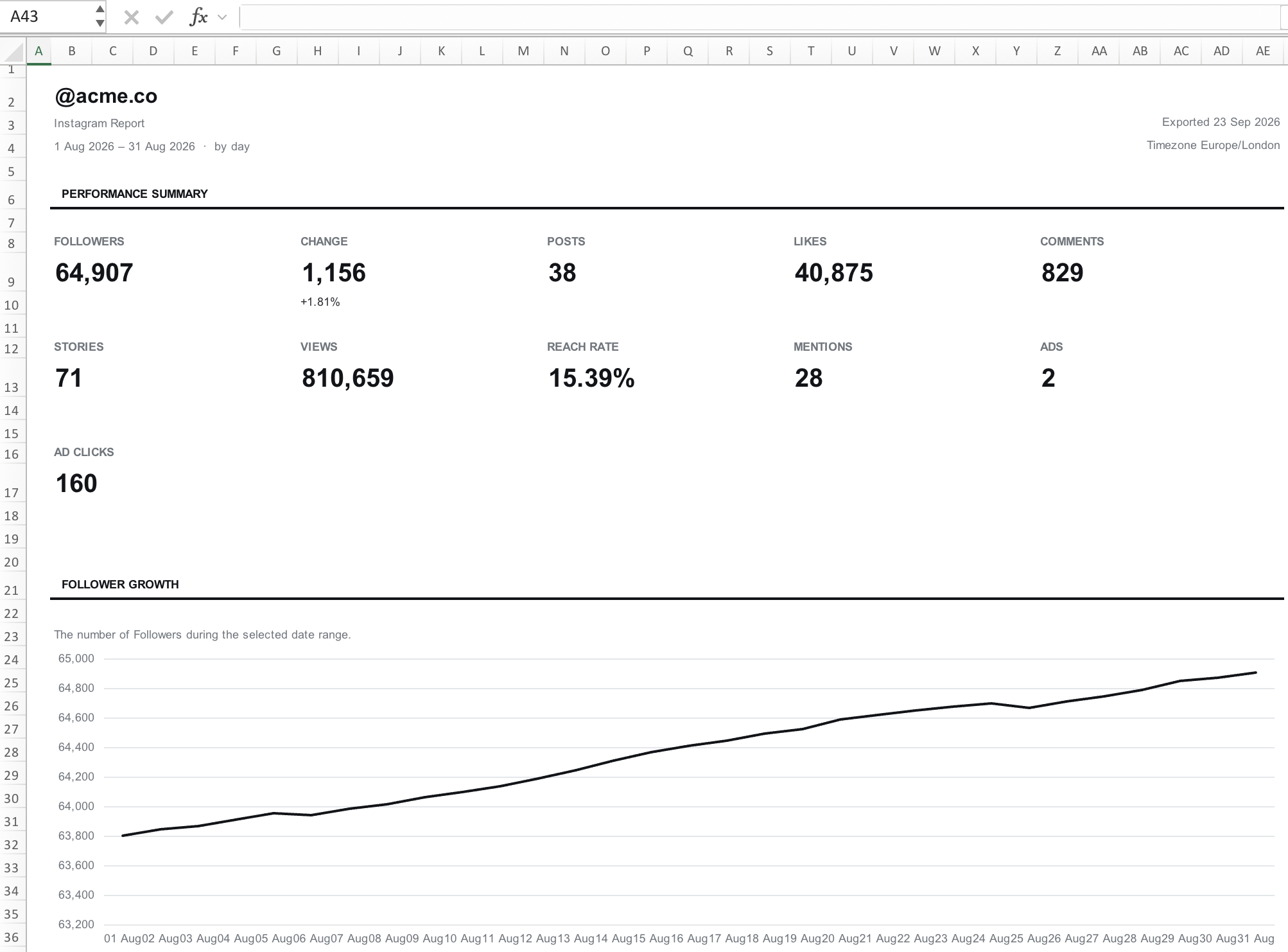
The redesigned Excel export provides a structured report ready to share as it is.
The Summary sheet brings together headline metrics, such as followers and follower change, posts, likes, comments, stories, views and reach rate, plus a follower growth chart and your top-performing content.
Content, Reels and Stories sheets list every piece of content published during the period alongside its performance metrics. The highest figure for each metric is highlighted, so standouts are easy to spot.
Audience breaks down age, gender, top countries and cities.
Optimization shows the best times to publish posts and stories and which hashtags performed well in the period.
Daily Data holds day-by-day figures, so clients can investigate changes or build their own dashboards.
Ads shows spend, clicks and engagement for individual ads.
Notes & Definitions explains how each metric is calculated.
Add the written analysis with a report template
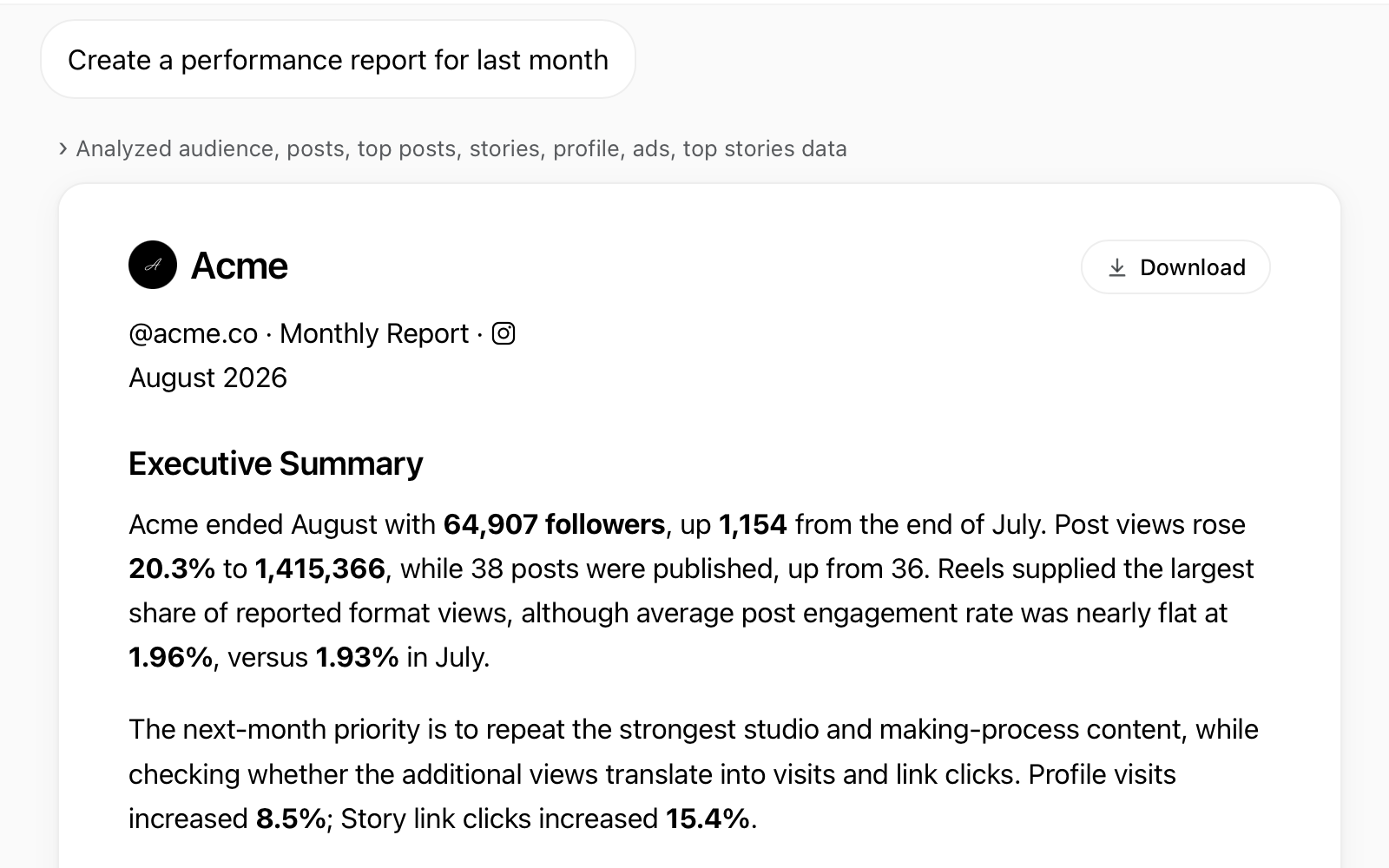
The Excel report tells the client what the numbers are. A report template tells them what the numbers mean. Pick a template, and Minter.io's AI Analyst uses your account data to write the analysis for you. You can ask for changes in the same chat, such as a different period or more detail on one section. The finished report is a PDF you can download straight from the chat.
To get started, open your client’s social media report in Minter.io and choose a template from the Export menu or AI Analyst chat page.
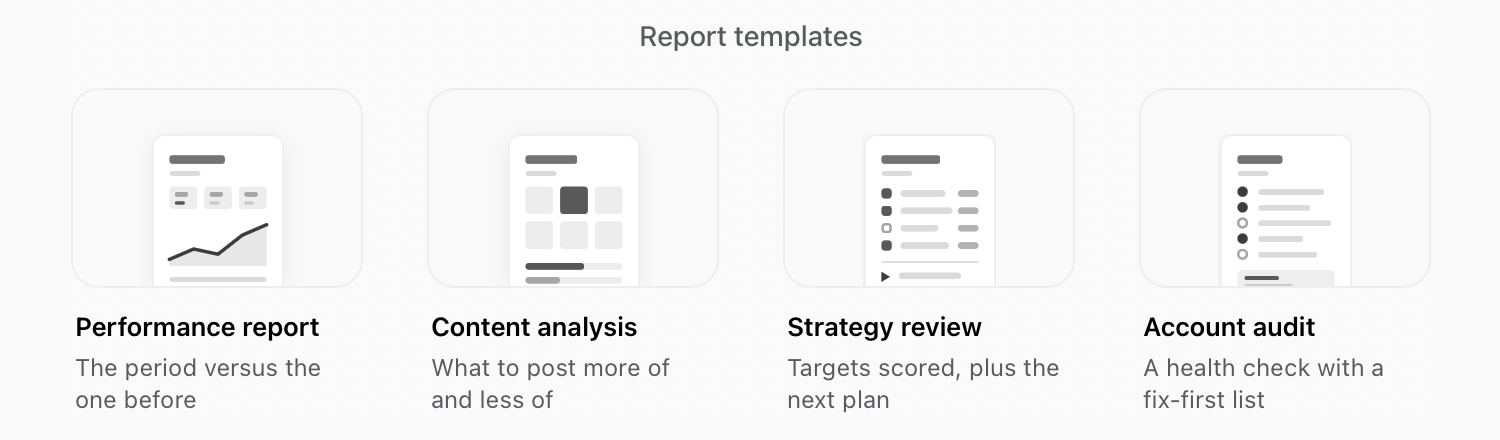
Choose the template that fits your reporting needs:
Performance report: for a regular client updates. Includes an executive summary, a comparison with the previous period, your strongest and weakest posts, and recommendations with targets.
Content analysis: for deciding what to post next. Covers engagement, format mix, topics, caption length, CTAs, hashtags and posting times.
Account audit: for a broader account review. Grades growth, reach, engagement, content and more, then shows what to fix first. See How to run an Instagram audit.
Strategy review: for assessing progress against targets or against the previous period. The report compares performance and sets new targets.
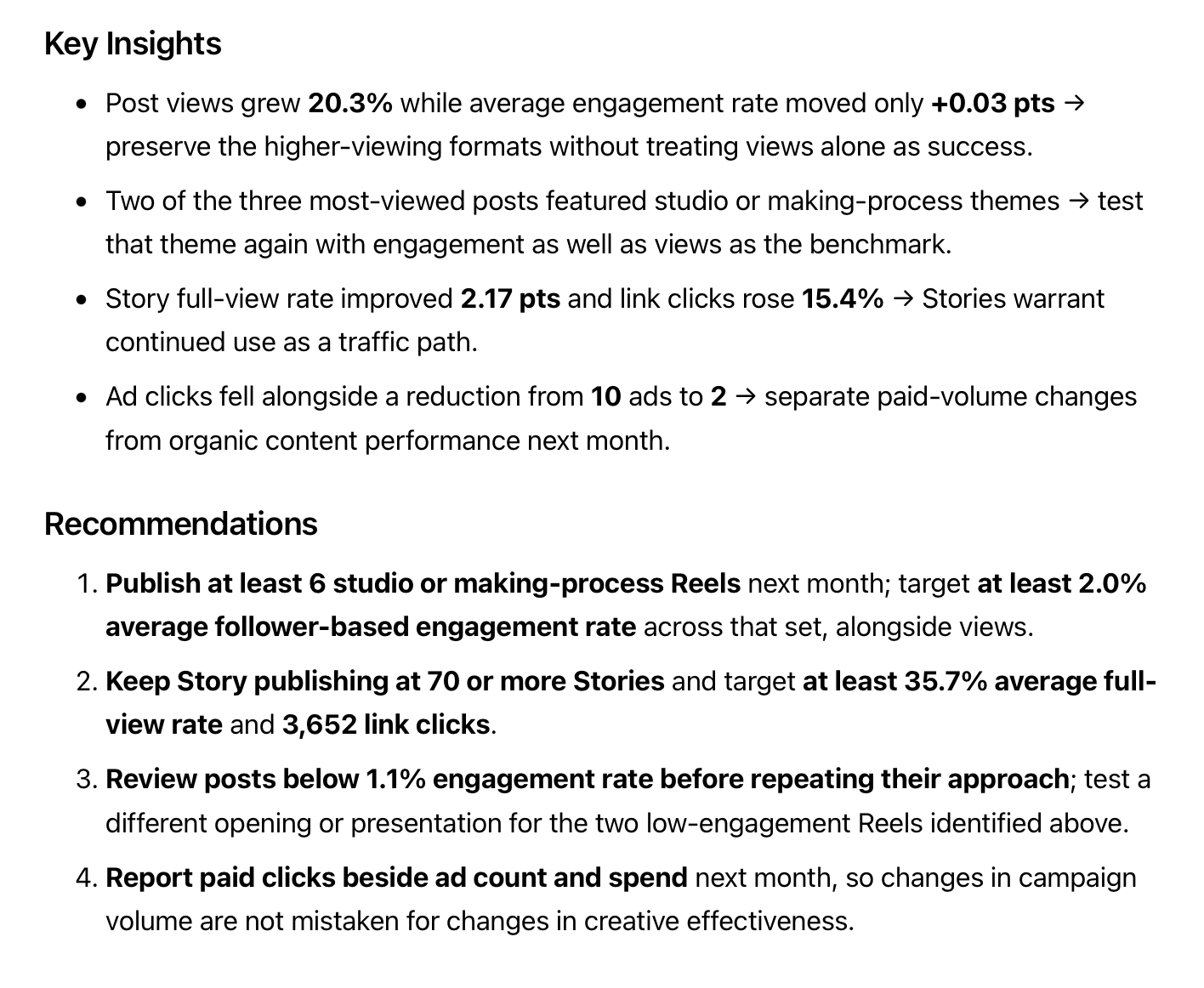
Explore the report templates inMinter.io.
How can I compare a client’s results with competitors?
Run a Performance report or Content analysis on a competitor's profile you track in Minter.io. Both templates support tracked competitors, allowing you to compare their results with your client’s over the same period.
Focus on metrics available for both accounts and explain any differences in account size or posting activity that affect the comparison.
Tips for reports clients actually read
- Add context. Review the analysis and add notes on launches, promotions or changes in posting activity.
- Lead with the summary. Highlight the most useful metrics and content examples. Most clients won't open every sheet.
- Include a comparison. Help clients understand how results have changed or how they measure up against targets.
- End with two or three recommendations. Keep them specific: what to change, why, and when you’ll review the result.
- Check before sending. Confirm the dates, figures and metric definitions.
- Keep the format consistent. Make it easy for clients to find what they need each time.
Create your next client report with Minter.io!